Kanban board
Drag between columns, with undo and a fixed order.
Kanban board, list and timeline: the whole project in one place
Every space has a kanban board, a list and a timeline with the same tickets. Drag a ticket to the next column, filter the list by label or branch, and see on the timeline which epics are due this month.
Included in every plan, including Free
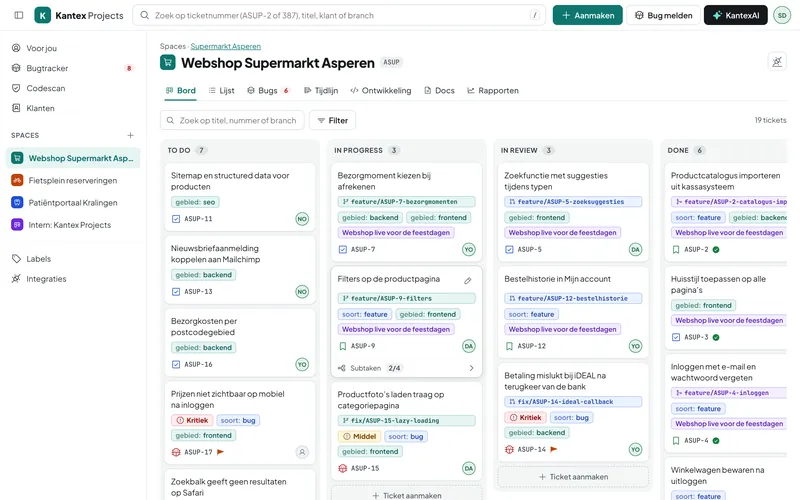
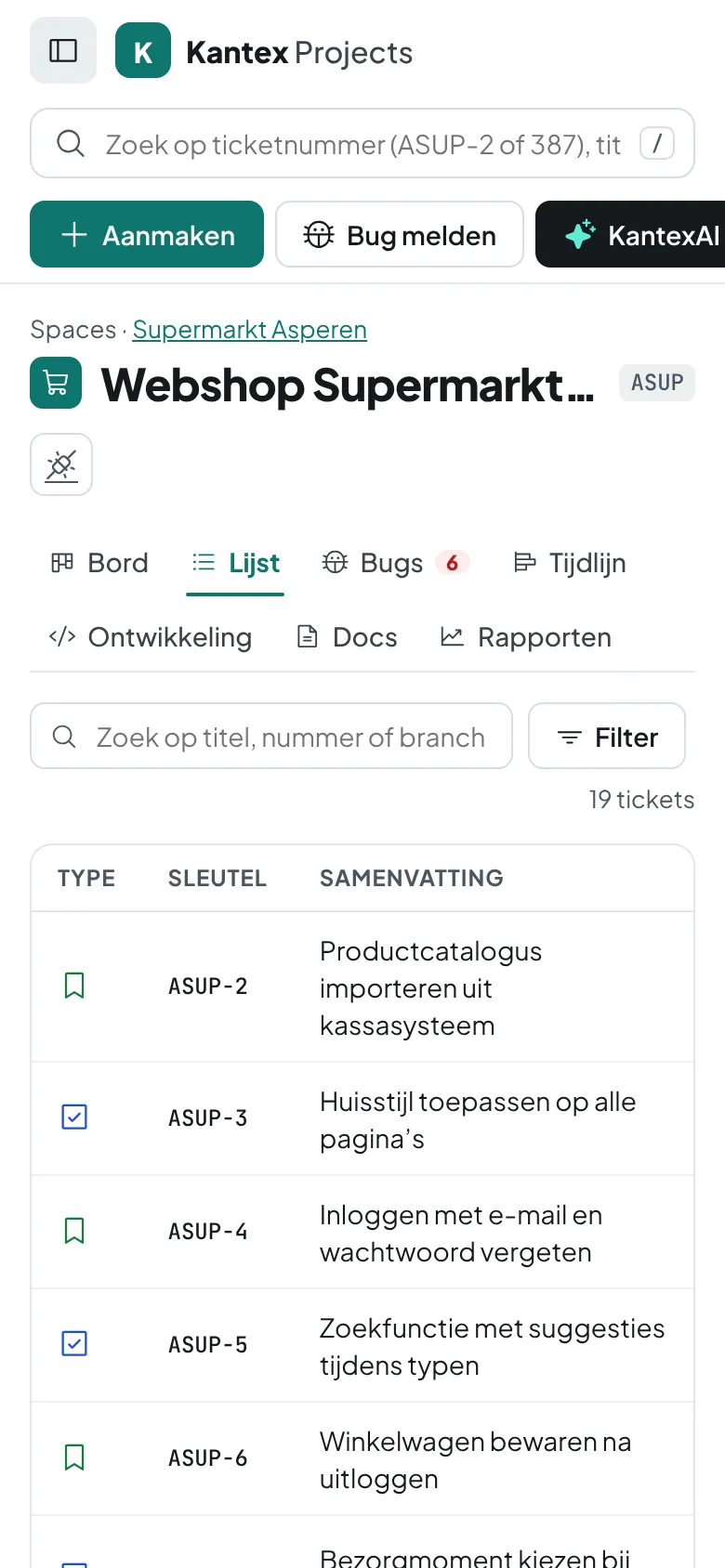
Choose a key, such as ASUP. Every ticket gets a number: ASUP-1, ASUP-2 and so on.
Create tickets, bugs and epics and drag them to the right column. Moved one by mistake? Put it back with undo.
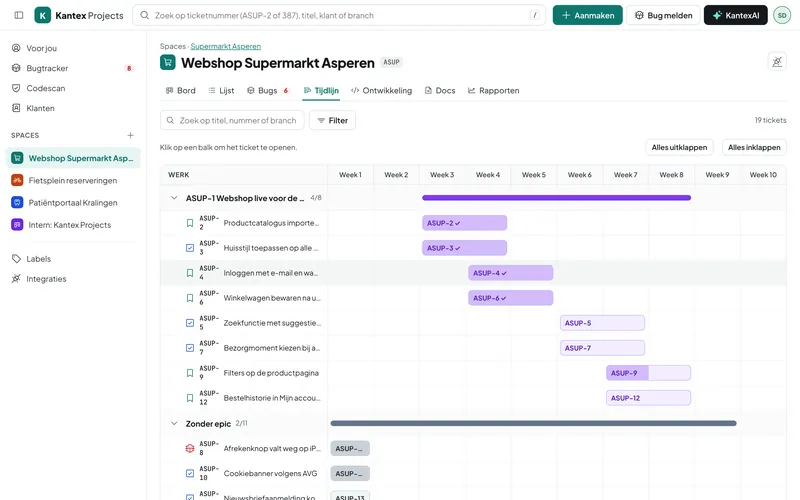
The timeline shows the epics per week. Reports show how much is done and what is still open.
Drag between columns, with undo and a fixed order.
All tickets in a table, with columns for status, labels and branch.
Epics and their tickets per week, so you see what is due when.
Documentation per space, saved automatically as you type.
Tickets by status and by type, as a chart or a table.
The ticket you have open is highlighted, as are the tickets you viewed earlier.
The board has four fixed columns: To Do, In Progress, In Review and Done. That way a status means the same thing in every project, and pull requests can move a ticket to In Review automatically.
Kantex Projects works with a continuous board and epics on the timeline. If you want to plan in sprints, create a label group called sprint and give tickets a label such as sprint:42.
Unlimited, on every plan.
Every feature, your own environment and a free switching service. No credit card needed.